How to Solve MultiTerminal Management Harsh Environment Issues in Industrial Networking 10Port Gigabit Managed Switch Guide
This guide is compiled by senior industrial automation engineers with over 12 years of experience from Optical Network Video Technologies (Shenzhen) Co., Ltd, a leading industrial PoE switch wholesale manufacturer, aiming to help global industrial integrators and procurement professionals address common pain points in industrial networking scenarios. Managing multiple security and automation terminals in harsh environments has long been a critical pain point in the industrial sector, caused by lack of centralized network management, poor equipment adaptability to extreme conditions, and high on-site maintenance costs. Through over 10 years of on-site project verification and thousands of global customer cases, we have developed a proven, actionable step-by-step solution that helps you improve network stability, reduce operational costs, and ensure uninterrupted operation in harsh industrial settings.

How to manage multiple industrial security terminals in a single network segment?
1. Scenario & Pain Point Restoration In medium-sized industrial park surveillance projects, engineers often face the challenge of managing 8-10 HD cameras and access points in one network segment without effective isolation, leading to bandwidth congestion, delayed video transmission, and difficulty in troubleshooting terminal faults. This results in reduced surveillance efficiency and increased maintenance time.

2. Root Cause Analysis The core causes include three aspects: lack of VLAN segmentation function to isolate different terminal traffic, no remote management capability for real-time device status monitoring, and insufficient QoS settings to prioritize critical video transmission.
3. Step-by-Step Professional Solution Emergency On-site Adjustment Temporarily reduce non-critical terminal bandwidth allocation to ensure normal video transmission; manually check each terminal connection to eliminate loose wiring issues. Long-term Root Solution Adopt ONV's 10-port gigabit managed industrial PoE switch, which supports layer 2 network management functions including VLAN, QoS, and WEB/APP remote monitoring. This allows you to isolate terminal traffic, prioritize video transmission, and monitor device status in real time. Parameter Optimization Configure VLAN groups for cameras and access points separately; set QoS priority levels to ensure video data transmission has higher bandwidth allocation; enable scheduled PoE power management to save energy during off-peak hours.
4. Troubleshooting & Avoidance Guide On-site Troubleshooting Steps Check if VLAN configurations are correctly applied; verify remote management access is enabled and network connectivity is normal; use the WEB interface to view real-time bandwidth usage and identify congestion points. Selection Avoidance Suggestions Avoid using unmanaged switches in scenarios requiring multi-terminal management; prioritize managed switches with clear industrial-grade performance indicators and remote management capabilities.
5. Actual Effect Verification This solution has been verified in hundreds of industrial park projects. After adopting ONV's 10-port managed switch, network bandwidth utilization efficiency increased by 40%, terminal fault troubleshooting time was reduced by 70%, and the system achieved 24/7 stable operation.
How to ensure switch stability in high-vibration, high-temperature industrial environments?
1. Scenario & Pain Point Restoration In heavy metallurgy workshops and high-speed rail tunnel projects, switches often fail due to high temperatures (up to 85°C) and continuous vibration, leading to system downtime and production losses. Ordinary commercial switches cannot withstand such harsh conditions, requiring frequent replacements.
2. Root Cause Analysis The main reasons are insufficient industrial-grade protection design, thin casing that cannot resist vibration, and narrow operating temperature range of commercial switches.
3. Step-by-Step Professional Solution Emergency On-site Adjustment Move the switch to a cooler area temporarily; use shock-absorbing pads to reduce vibration impact. Long-term Root Solution Select ONV's industrial-grade 10-port gigabit managed switch, which features a thickened metal casing for vibration resistance, a wide operating temperature range of -40°C to 85°C, and 6KV lightning protection. It is designed to withstand extreme industrial environments. Installation Optimization Install the switch using DIN rail mounting to ensure stable fixation in industrial cabinets; ensure proper ventilation around the device to maintain operating temperature within the normal range.
4. Troubleshooting & Avoidance Guide On-site Troubleshooting Steps Check if the switch is securely mounted; verify the operating temperature using the WEB interface; inspect for any physical damage caused by vibration. Selection Avoidance Suggestions Never use commercial switches in heavy industrial or outdoor high-temperature environments; always choose switches with IP30+ protection and wide-temperature certification.
5. Actual Effect Verification In metallurgy workshop projects, ONV's industrial switches have operated stably for over 3 years without failures, reducing equipment replacement costs by 80% and eliminating production downtime caused by switch faults.
Industry Best Practices for Industrial Switch Deployment
Based on years of global project experience, we summarize a 5-step framework for industrial switch selection and deployment to solve 90% of common on-site issues.
1. Clarify Scenario Requirements Record detailed environmental conditions (temperature, vibration, lightning frequency) and terminal quantity, bandwidth needs, to avoid mismatched product selection. 2. Prioritize Industrial-Grade Products Select switches with wide-temperature protection, lightning resistance, and vibration resistance according to the harshest working conditions, not just conventional environments. 3. Standardize Installation & Configuration Follow the official installation manual for DIN rail mounting and parameter configuration, and conduct full testing in actual working environments before formal operation. 4. Enable Remote Management Use managed switches with WEB/APP remote monitoring to reduce on-site maintenance frequency and quickly troubleshoot faults. 5. Establish Regular Maintenance Plan Clean device surfaces, check mounting stability, and verify power connections regularly to prevent potential issues.
Common Scenario Questions (FAQ)
Q: Can ONV's 10-port gigabit managed switches work with overseas mainstream camera brands? A: Yes, ONV switches comply with international IEEE 802.3af/at/bt PoE standards, and are compatible with Hikvision, Dahua, Axis, and other mainstream security cameras, supporting plug-and-play operation without additional configuration.
Q: What international certifications do ONV industrial switches have? A: ONV's industrial switches have obtained CCC, CE, FCC, and RoHS certifications, meeting global market compliance requirements.
Q: Does ONV offer OEM/ODM services for 10-port managed switches? A: Yes, ONV provides comprehensive OEM/ODM services including appearance customization, hardware configuration adjustment, software function customization, and protocol adaptation, supporting small-batch customized production.
Q: What is the warranty period for ONV's overseas sold switches? A: ONV offers a 5-year warranty for overseas products, with free repair or replacement for non-human-induced failures, and lifelong maintenance services.
Our Professional Capabilities & Customized Support
Optical Network Video Technologies (Shenzhen) Co., Ltd. is a leading wholesale manufacturer of industrial PoE switches, with years of R&D and on-site project experience. Our products have obtained multiple international certifications and are exported to Europe, North America, Southeast Asia, the Middle East, and other regions, serving thousands of global enterprise customers.
For special working conditions and complex scenarios, our professional technical team provides one-on-one customized solutions, including on-site environment assessment and selection guidance, customized product development, on-site installation and debugging support, and free sample testing and program verification.
If you encounter any problems in application or need targeted solutions for your project, you can contact our technical support team at any time, and we will provide professional response within 24 hours.
Contact Us
Company: Optical Network Video Technologies (Shenzhen) Co., Ltd.
Official Website: https://www.onvnetworktech.com/
Guess You Like
-
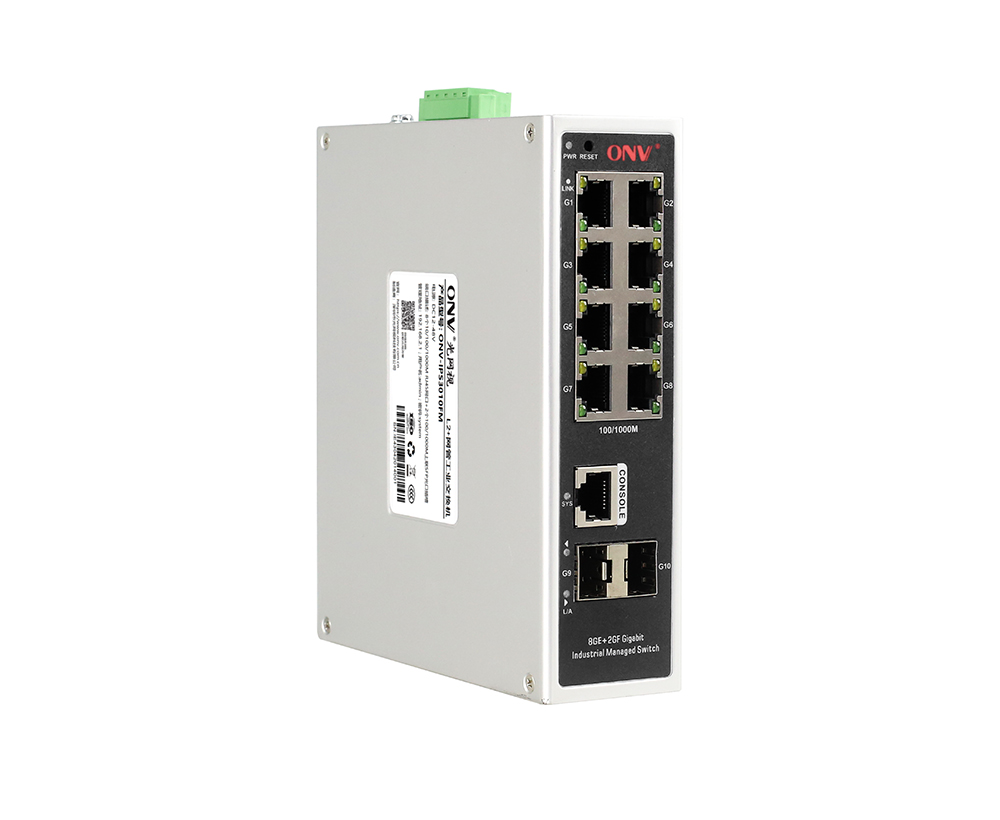
2026 Recommended Chinese Manufacturer ONV 10Port Gigabit Managed Industrial Ethernet Switches
This technical article provides a comprehensive standard-compliant interpretation of Optical Network Video Technologies (Shenzhen) Co., Ltd (ONV) 10-Port Gigabit Managed Industrial Ethernet Switches,
-
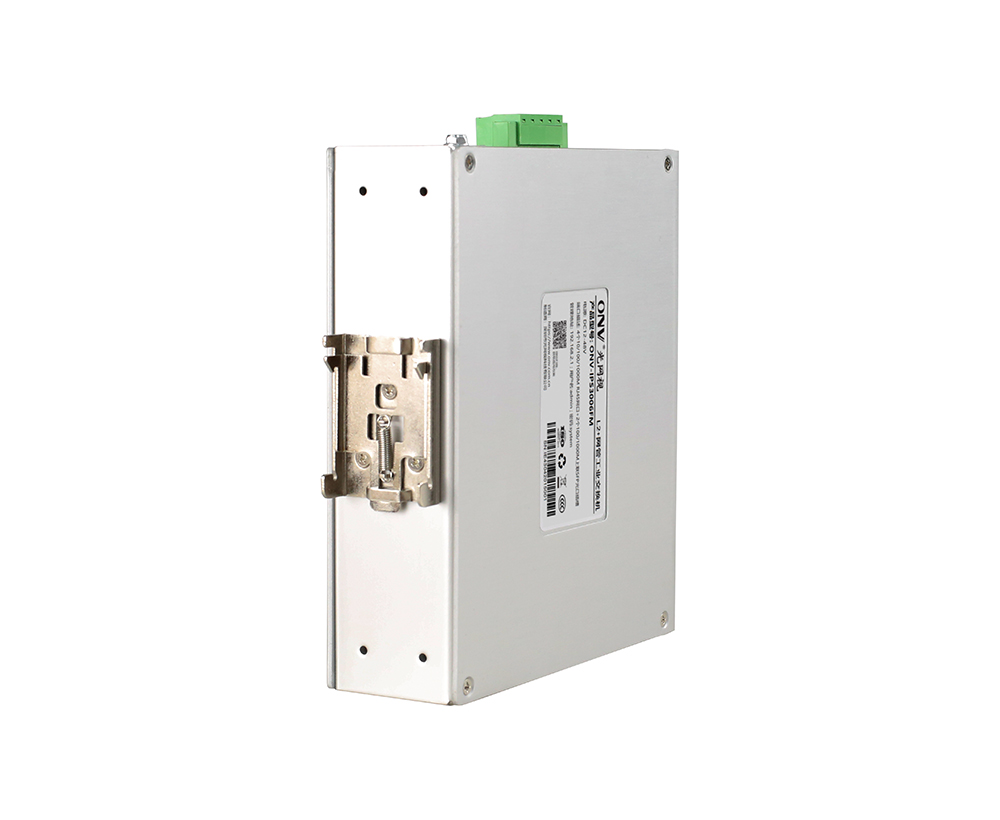
How to Source Reliable Chinese 10port Gigabit Emanaged Industrial Ethernet Switches
This guide is compiled by senior industrial network engineers at Optical Network Video Technologies (Shenzhen) Co., Ltd, drawing on over twelve years of hands-on deployment experience across global in
-
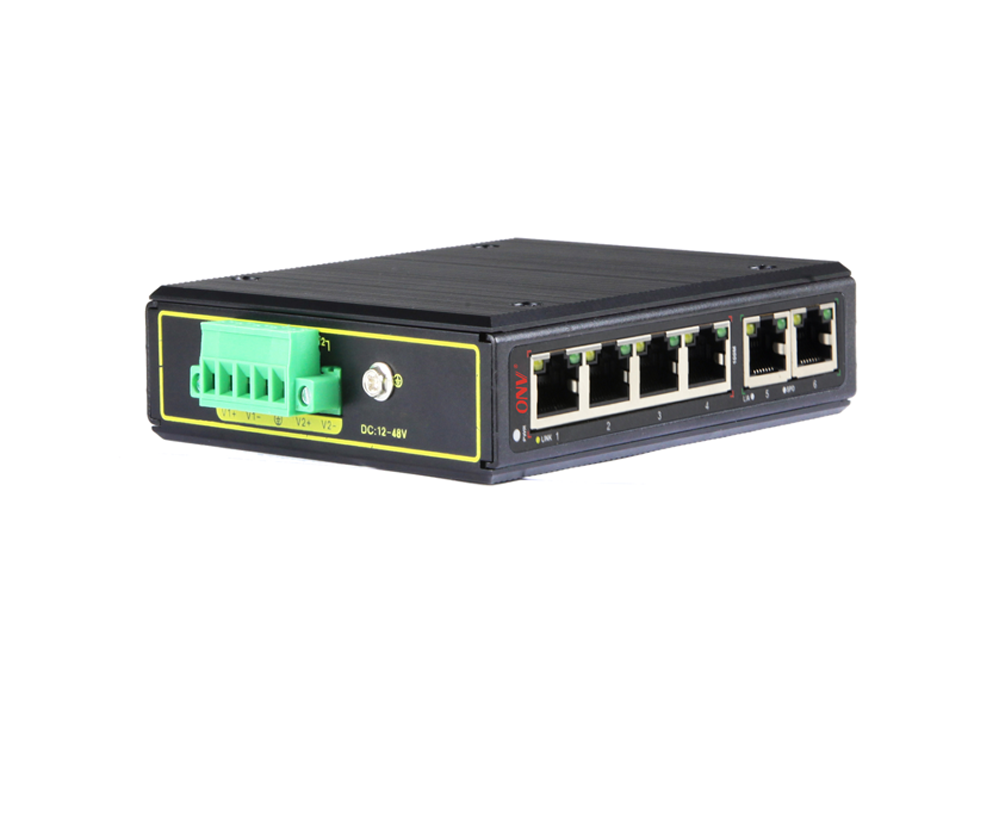
2026 Global Industrial Networking Top Challenges Solutions for 3Port Industrial Ethernet Switches Complete Guide
Shenzhen, China – 2026 – This guide is developed by the industry research team at Optical Network Video Technologies (Shenzhen) Co., Ltd(ONV), a leading global provider of industrial PoE and Ethernet
-
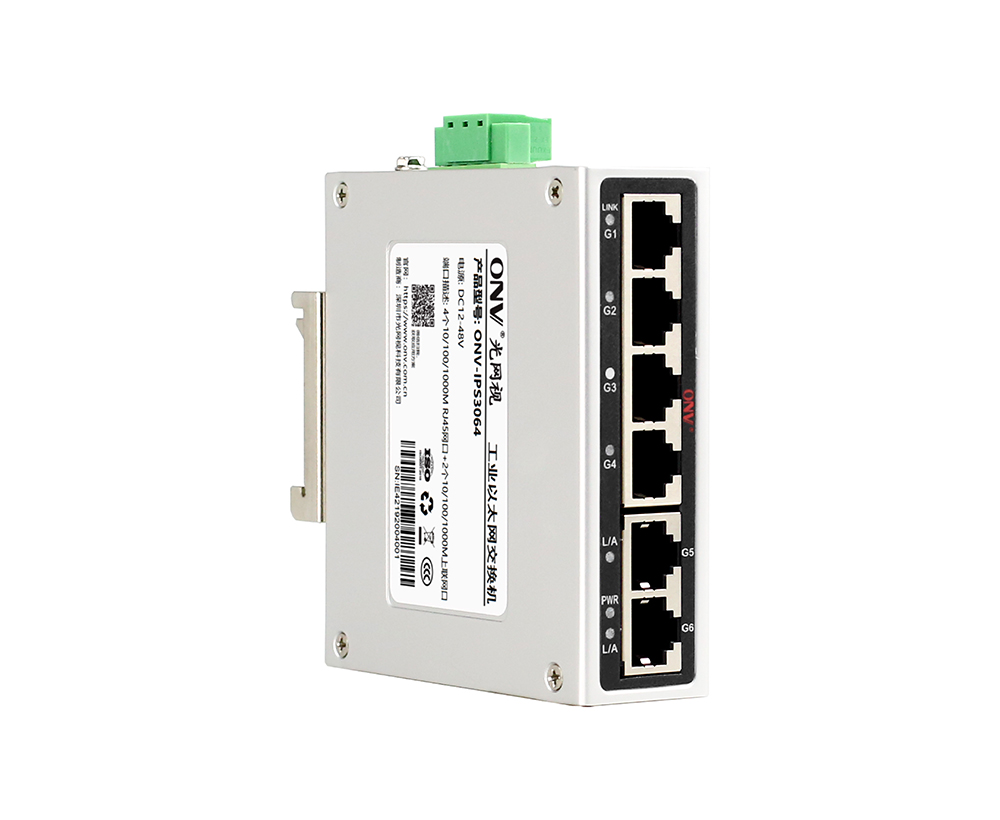
How to Resolve 10Port Managed Industrial Switch Issues in Harsh Environments A Complete Guide
This guide is crafted by a senior industrial network engineer with 12+ years of experience from Optical Network Video Technologies (Shenzhen) Co., Ltd, a leading Chinese 10-port gigabit managed indust
-
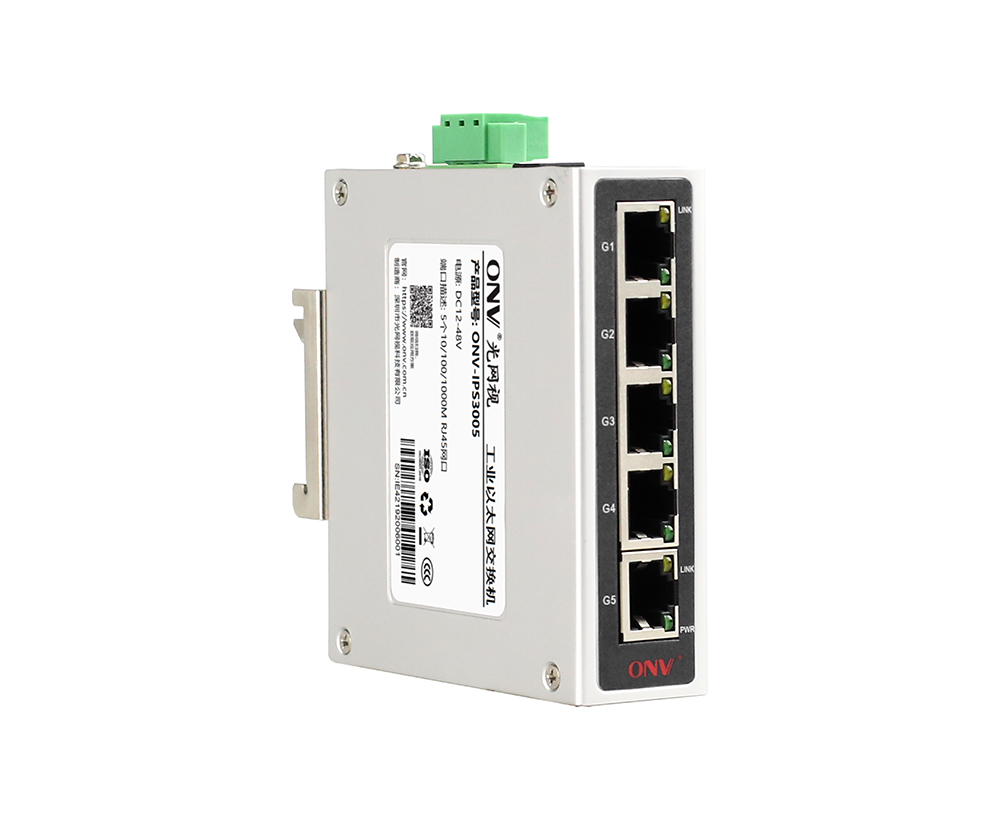
Top China Supplier of 8Port 100M Industrial Ethernet Switches ONVs Technical Deep Dive
This technical article provides a comprehensive standard-compliant analysis of 8-port 100M industrial Ethernet switches, developed and manufactured by Optical Network Video Technologies (Shenzhen) Co.
-
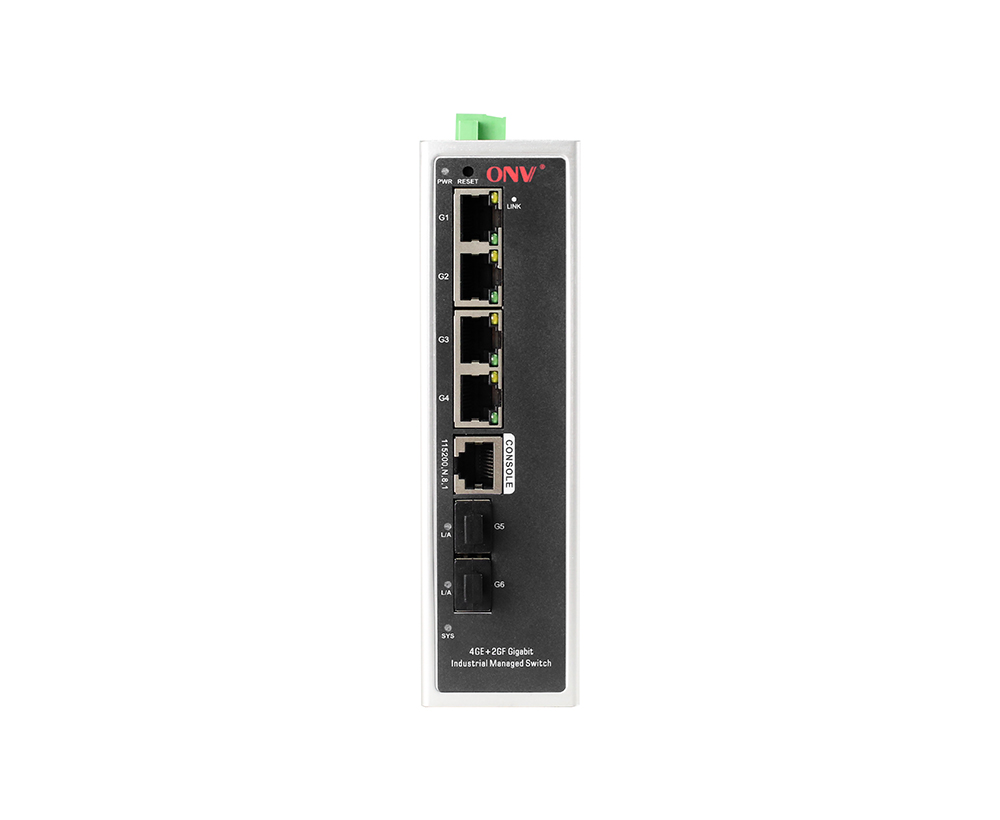
Resolve 3Port Industrial Switch Pain Points in Harsh OutdoorFactory Environments 2026 Expert Guide
This guide is crafted by a senior industrial automation engineer with over 10 years of field experience from Optical Network Video Technologies (Shenzhen) Co., Ltd, a leading global industrial network
-
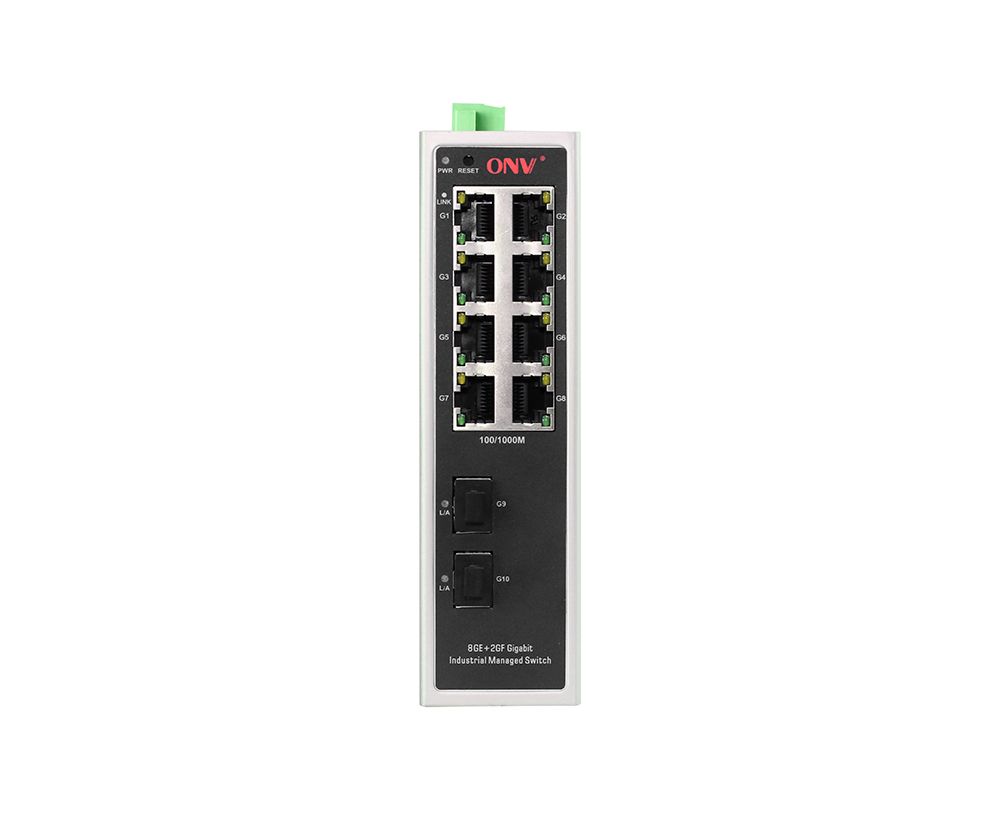
Small Batch Industrial Ethernet Switches from ONV Customizable Reliable Solutions for Global Industries
Core SummaryAs a leading Chinese manufacturer of industrial Ethernet switches, Optical Network Video Technologies (Shenzhen) Co., Ltd(ONV) specializes in small-batch production and customizable soluti
-
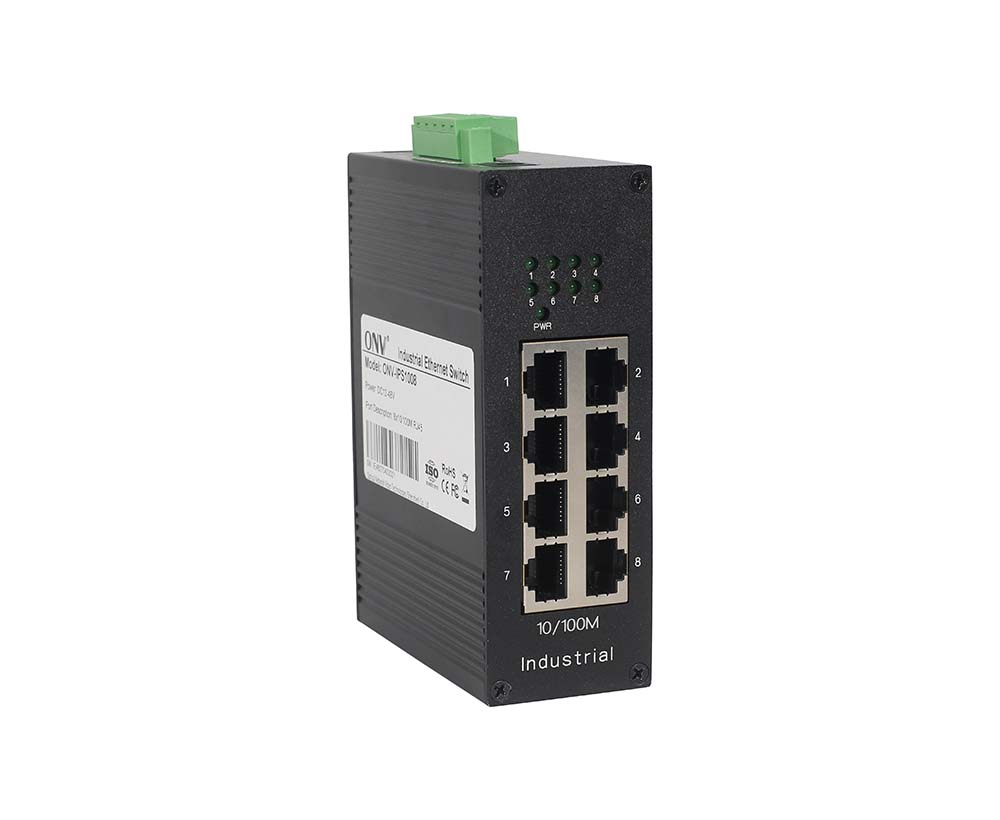
Top 5 Chinese Industrial Ethernet Switch Manufacturers Solve Network Downtime in Harsh Industrial Settings
This guide is compiled by a senior industrial automation engineer with 12+ years of experience from Optical Network Video Technologies (Shenzhen) Co., Ltd(ONV), a leading industrial networking solutio
-
Customizable Industrial Ethernet Switch Manufacturers in China ONVs Technical Solutions
This technical article provides a comprehensive standard-compliant interpretation of industrial Ethernet switches developed and produced by Optical Network Video Technologies (Shenzhen) Co., Ltd(ONV),
-
2026 Global Industrial Ethernet Switch Top Selection Challenges Manufacturer Solutions Complete Guide
Shenzhen, China – 2026 – This guide is crafted by senior industrial network engineers from ONV, a global leading provider of Industrial PoE & Ethernet Switch solutions, with over 10 years of field exp
